كيف تحمّل TrainerHub وتثبّت مدرب MoggyDay 2026
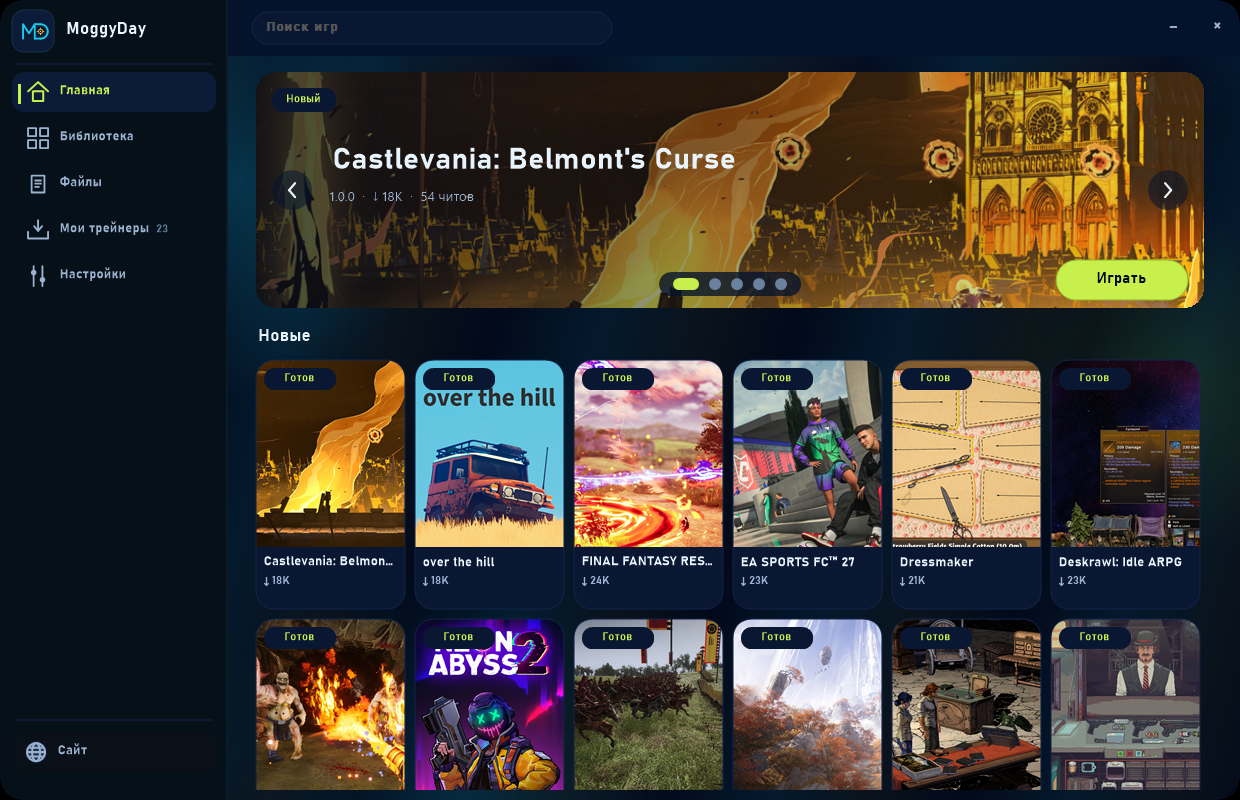
Every trainer card on this site downloads the same TrainerHub zip. Unpack it, launch the game, press Play on the card. Overlay and F-keys follow. Solo / offline / custom — not ranked PvP.
فيديو
Install in four steps
- Download — Green button on any trainer card. That file is TrainerHub, not a separate .exe per game.
- Unpack — Extract the zip to a folder you control. Add an antivirus exclusion for TrainerHub.exe if Defender quarantines it.
- Start the game, then Play — Boot the game first. In the hub open the card and press Play. The overlay attaches to the process.
- Use the options — F-keys or the on-screen list. Leave story/PvP toggles off if you only need resources.
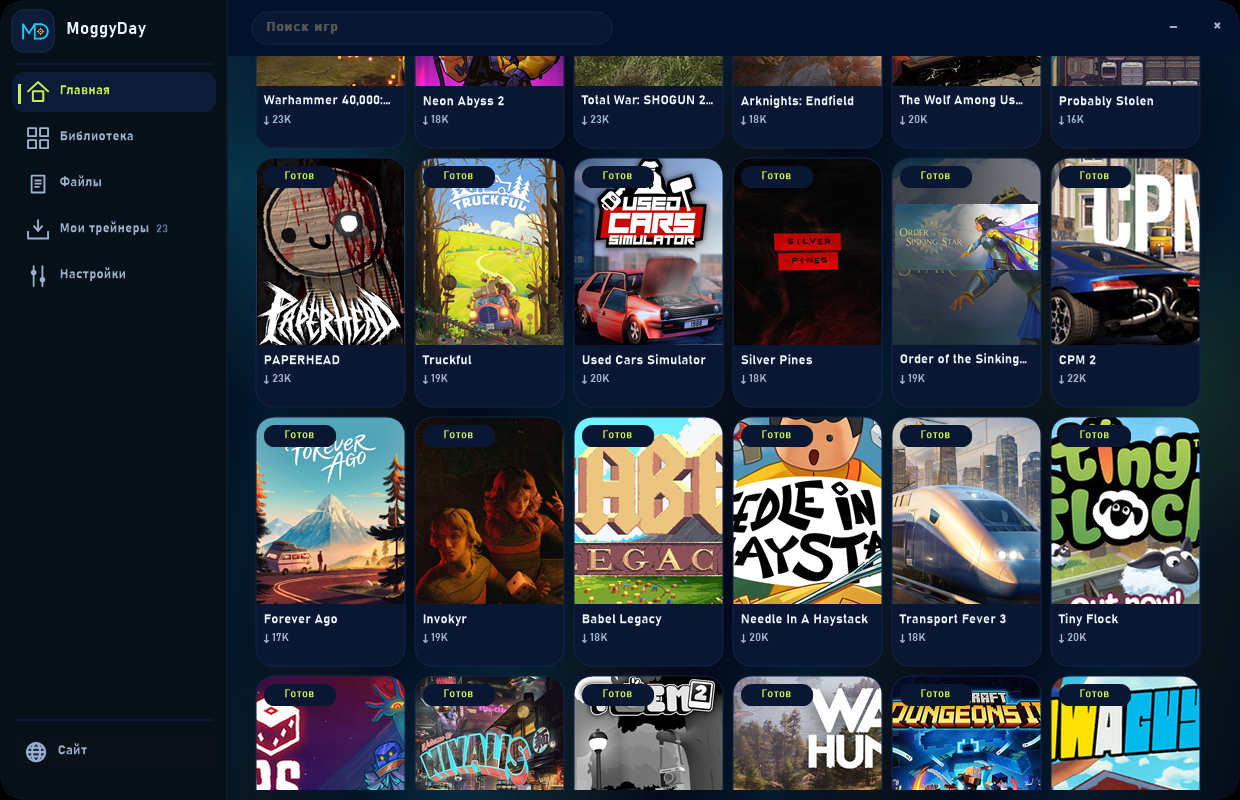
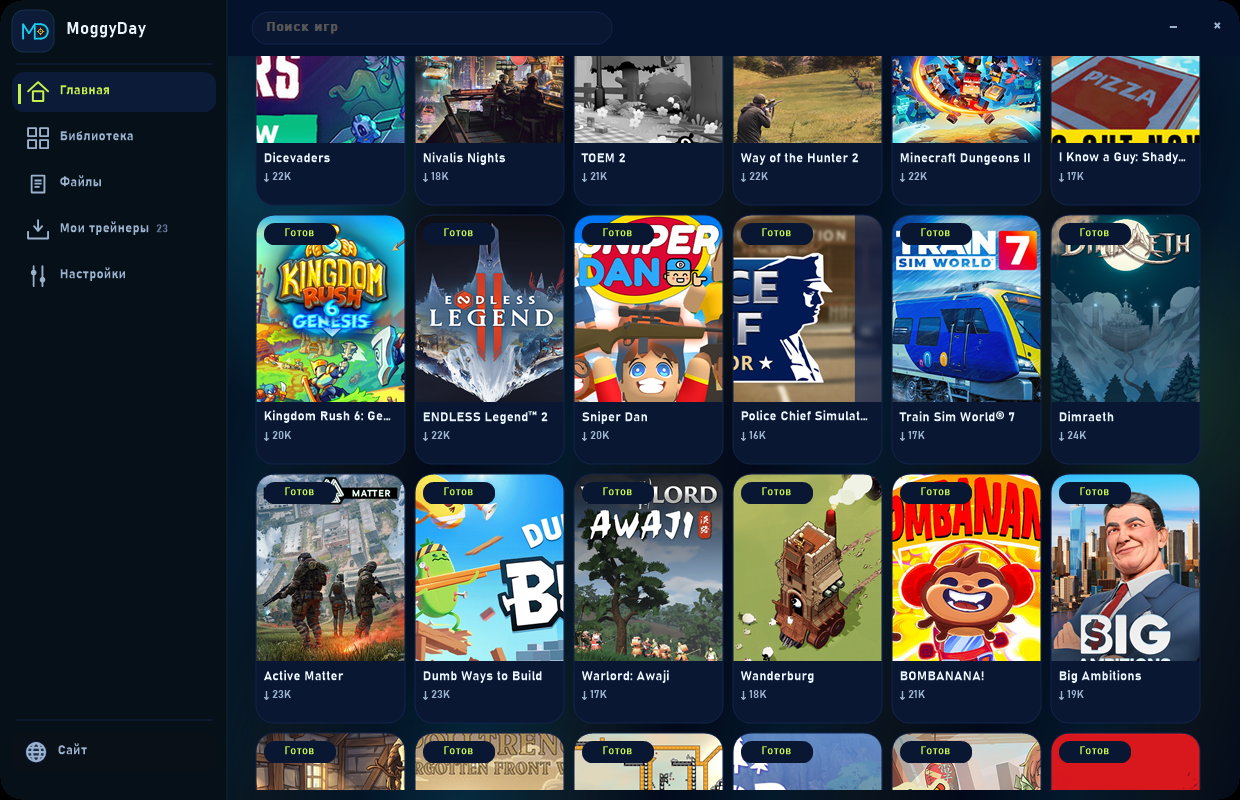
لقطات الشاشة
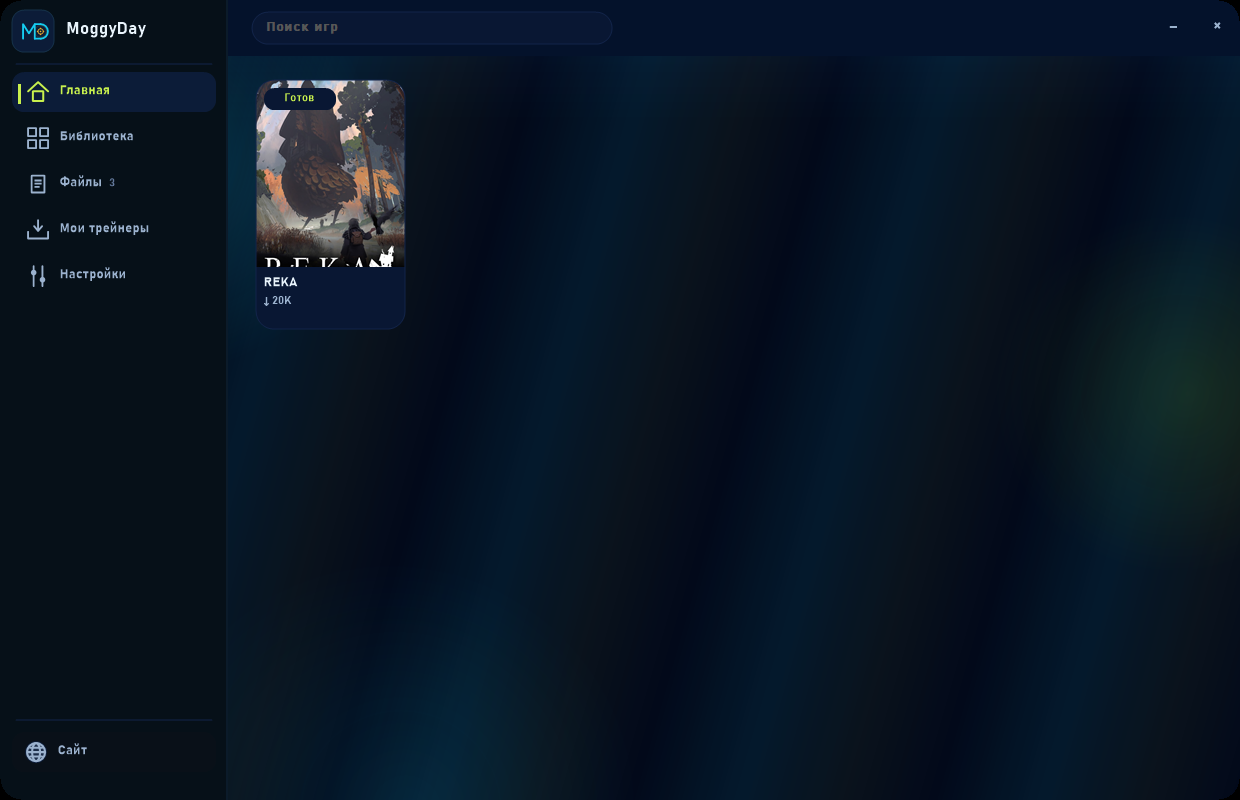
Files is a different shelf
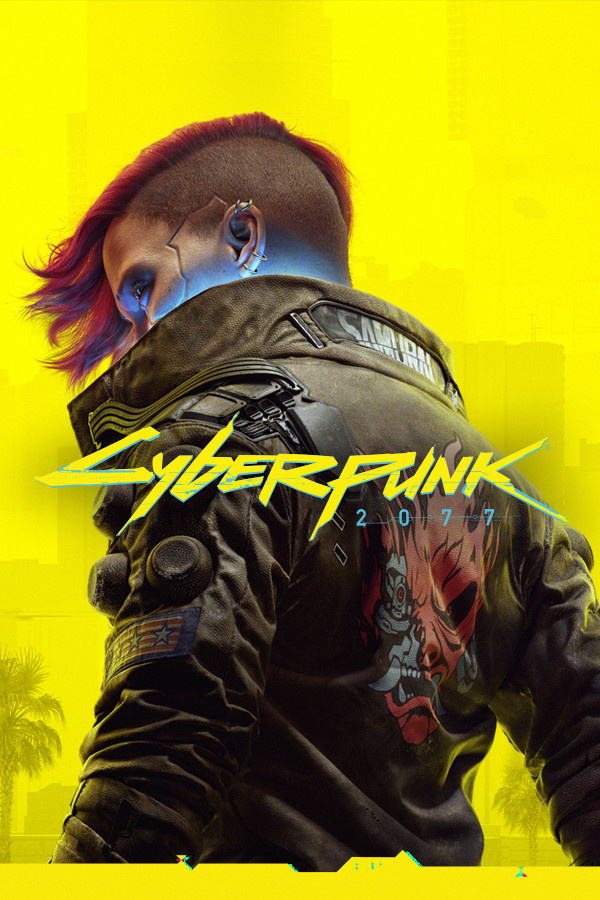
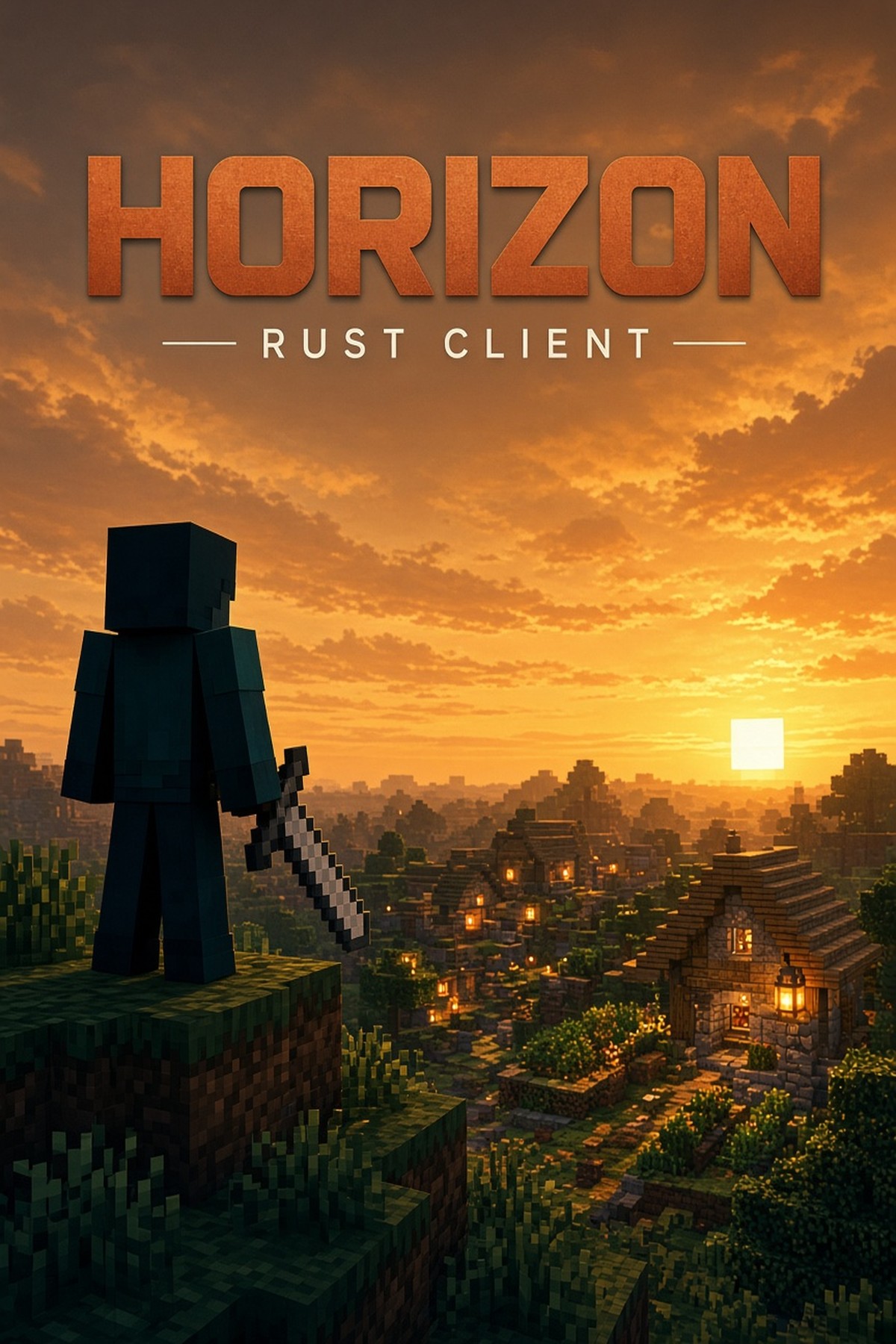
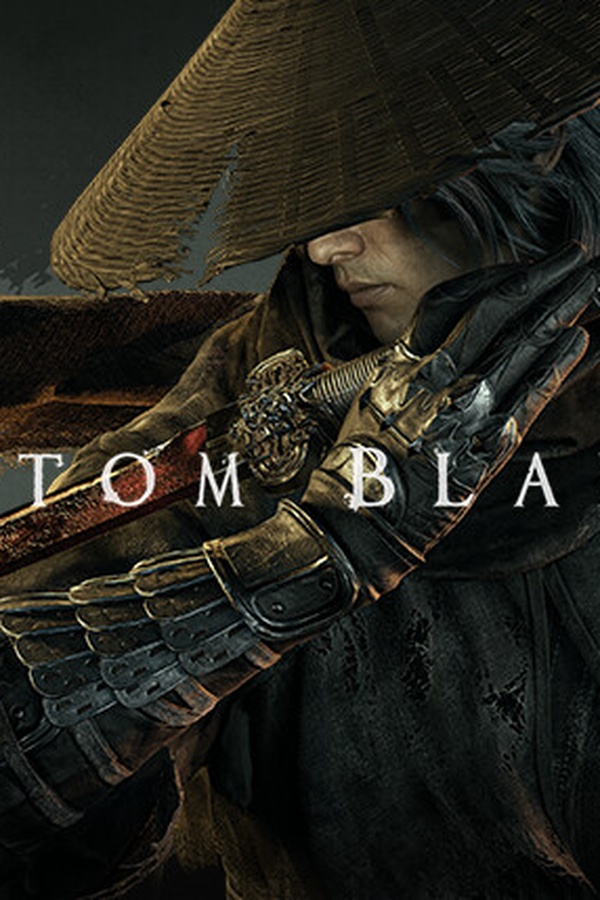
NightCoop, Horizon and KageLoad are not trainers. Download from Files, unpack into the game folder, not next to the hub.
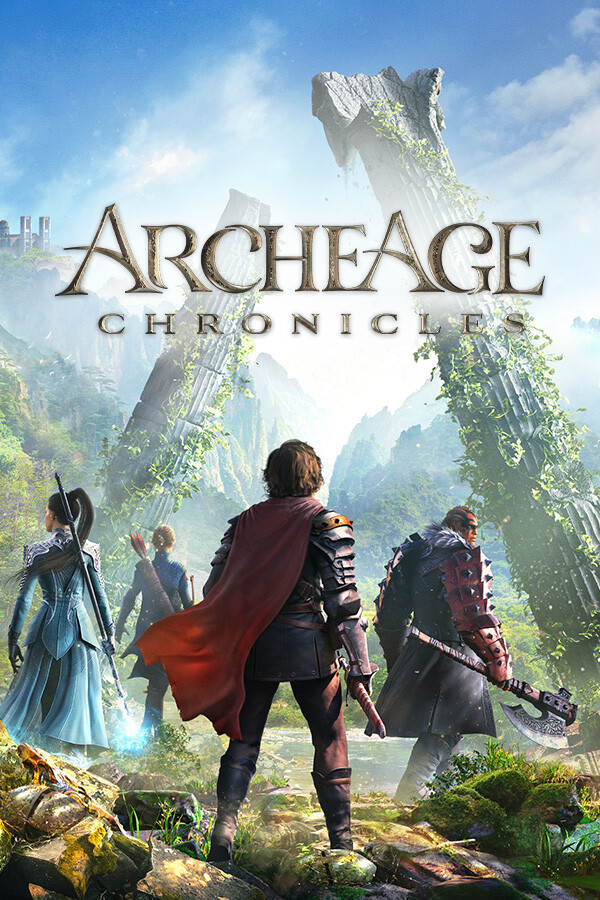
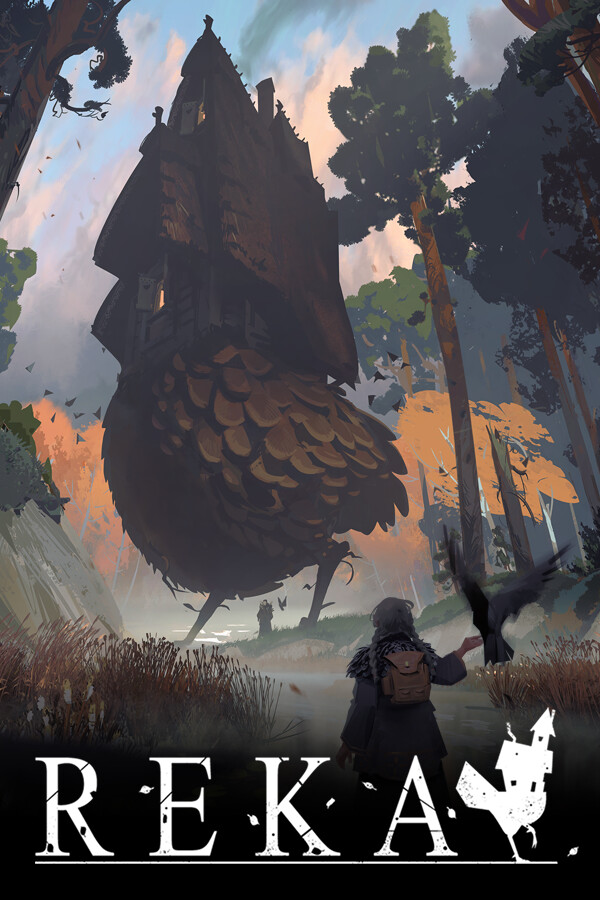
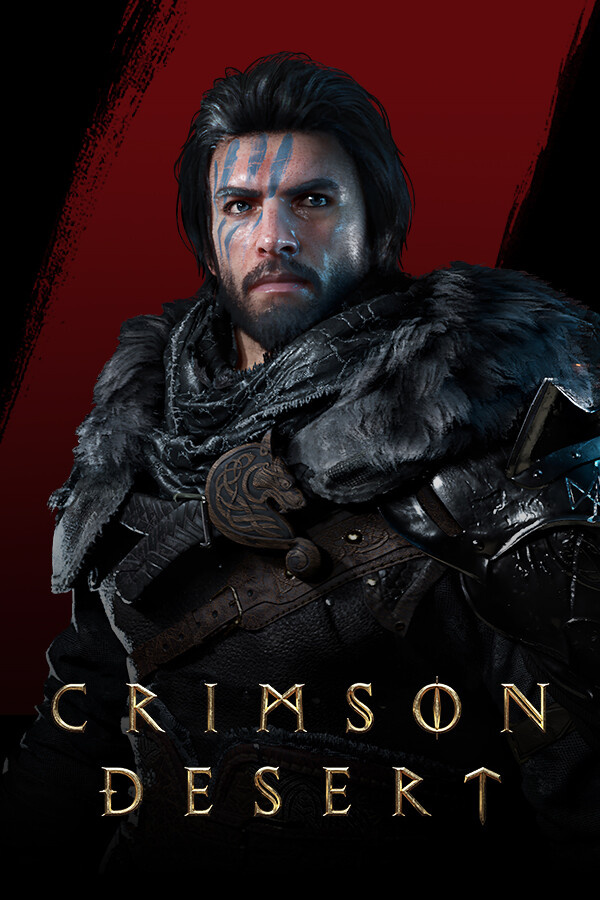
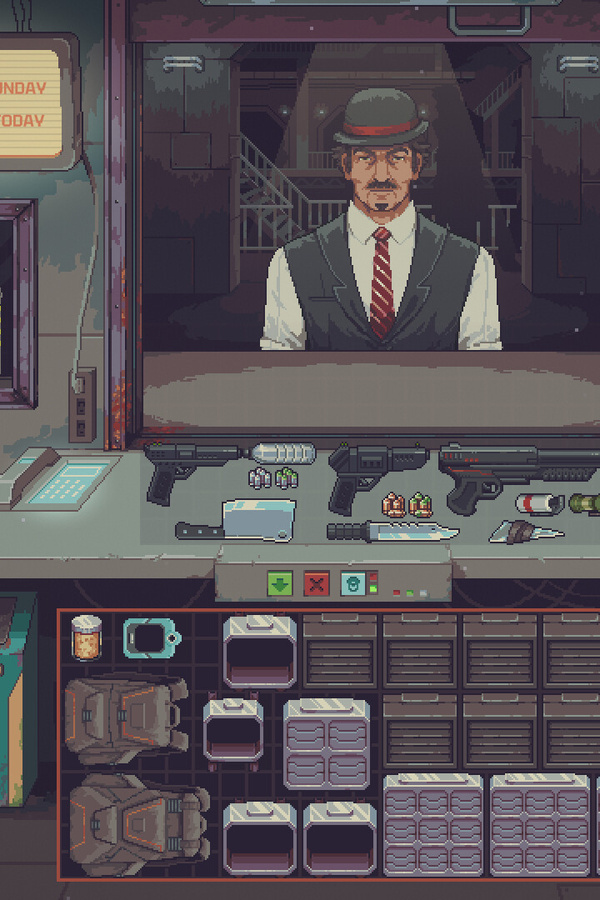
ترينرات جديدة
الأسئلة الشائعة
Why does every card download the same zip?
TrainerHub is one launcher. New games appear as cards on the shelf after you download it once.
Can I use this on official online servers?
No. Solo, offline or your own custom session. Not ranked, not someone else's server.
هل الترينر مجاني؟
نعم. حمّله مجانًا بلا حاجة إلى حساب. هو مخصّص للاعب واحد؛ استخدامه في الأوضاع المتصلة قد يخالف قواعد اللعبة.