 MoggyDayTrainer
AutoClicker MoggyDay v1.1.0 — Auto Clicker · Macros · Hotkeys · Windows
Description
Download AutoClicker MoggyDay v1.1.0
Free auto clicker for Windows 10/11 by TrainerHub MoggyDay: macros, click points, global hotkeys, profiles, UI EN / RU / CN.
This page serves the official Standalone EXE (~63 MB). The ZIP is the same build.
- This page: moggydaytrainer.com/f/autoclicker-moggyday
- ZIP:
- Standalone EXE:
- Release: v1.1.0
- Repo:
- Telegram: t.me/TrainerHubMoggyDay
Unzip (or download the EXE with the button below) → run AutoClicker_MoggyDay_Standalone.exe → ready. No installer and no separate .NET Runtime.What is AutoClicker MoggyDay
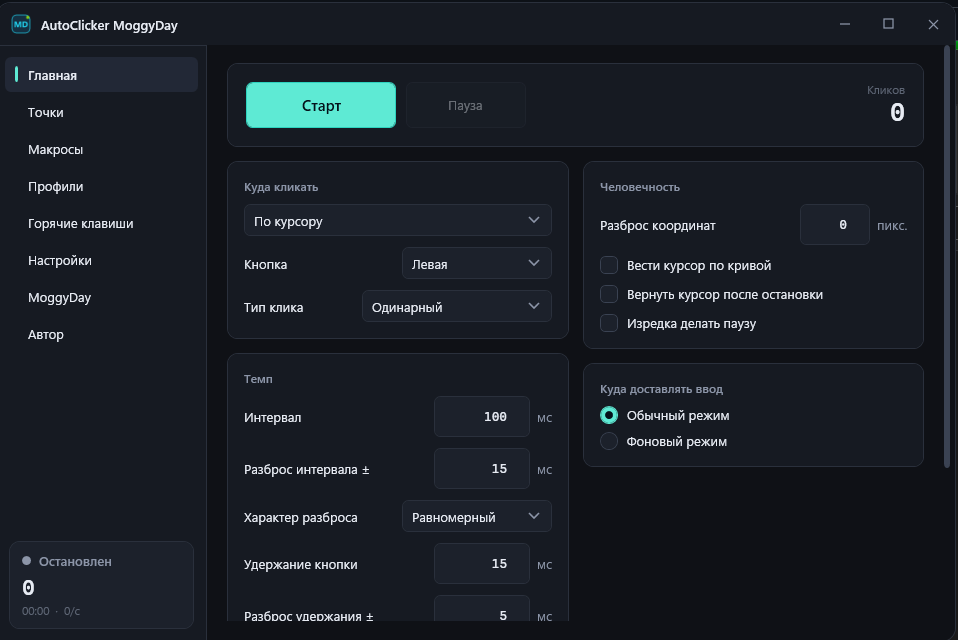
AutoClicker MoggyDay is an auto clicker and macro player for Windows. Click at the cursor, at fixed coordinates, or along a point list; record mouse + keyboard macros; global hotkeys; profiles; dark/light theme.
Built for idle/clicker games, farming, browser clickers, and repetitive desktop tasks. It is not a trainer and does not read game memory: it sends input through the Windows API.
Why this auto clicker
- Intervals from 1 ms with high-resolution Windows timers
- Human-like input: coordinate scatter, interval jitter, curved mouse paths, micro-pauses
- Portable: settings live in a
data/folder next to the exe - Standalone: no installed .NET 8 required
- UI in EN / RU / CN plus 9 more languages
- Macros at 0.5x–5x with export/import
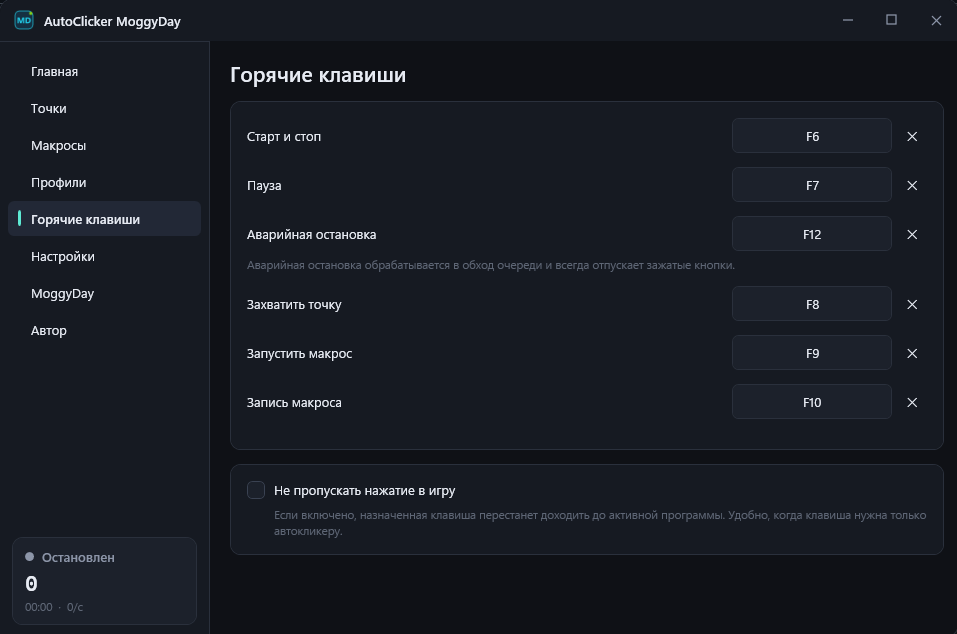
- Tray mode and panic key F12
Features
Auto clicker
- Modes: follow cursor, fixed point, point list
- Single / double / triple click · LMB / RMB / MMB
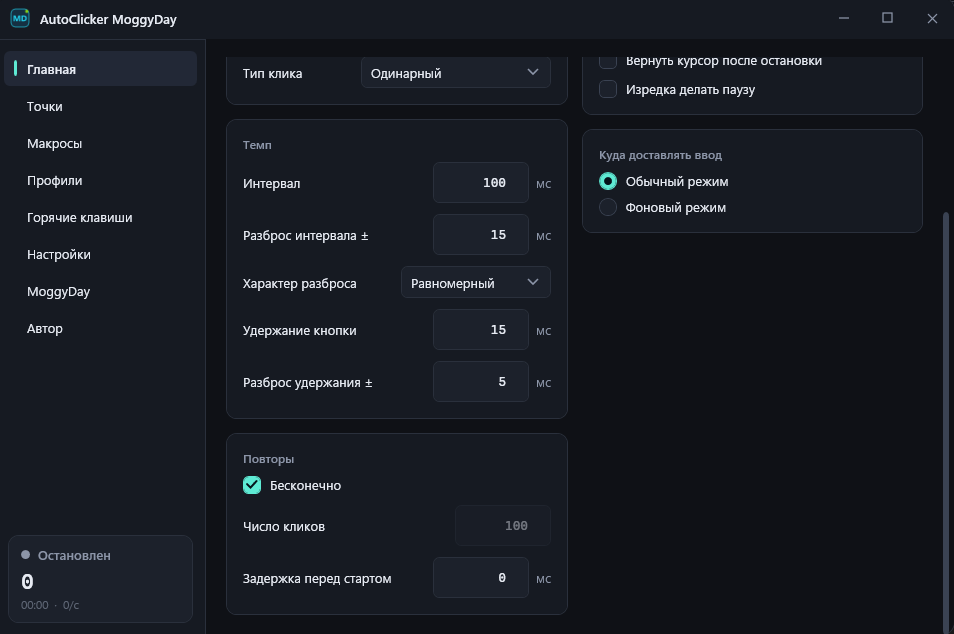
- Button hold and hold jitter
- Interval from 1 ms, uniform or normal scatter
- Finite repeat count or infinite loop
- Start delay
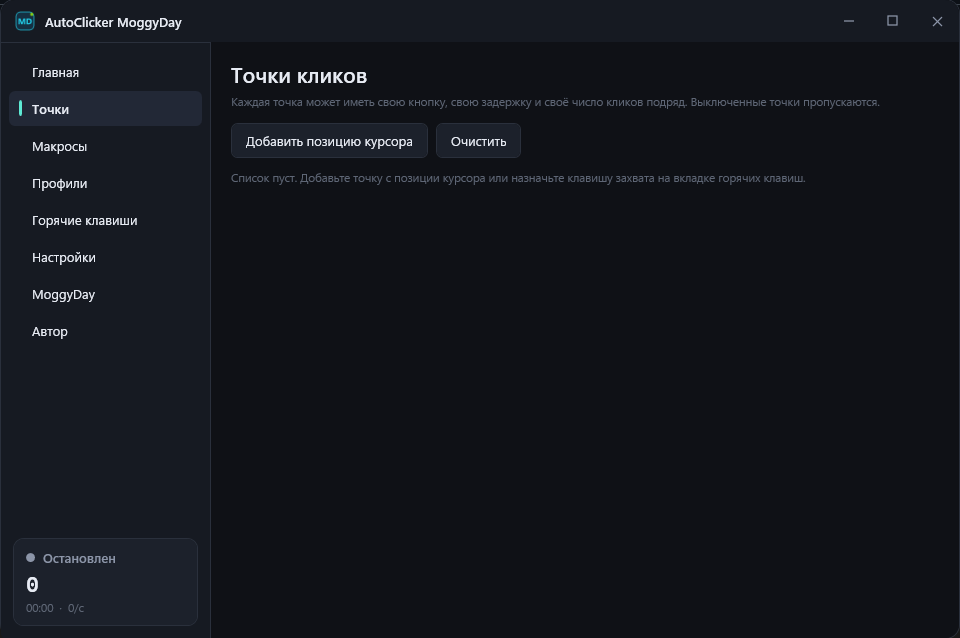
Click points
- Unlimited coordinate list
- Per-point mouse button and delay multiplier
- Capture cursor position with a hotkey (F8 by default)
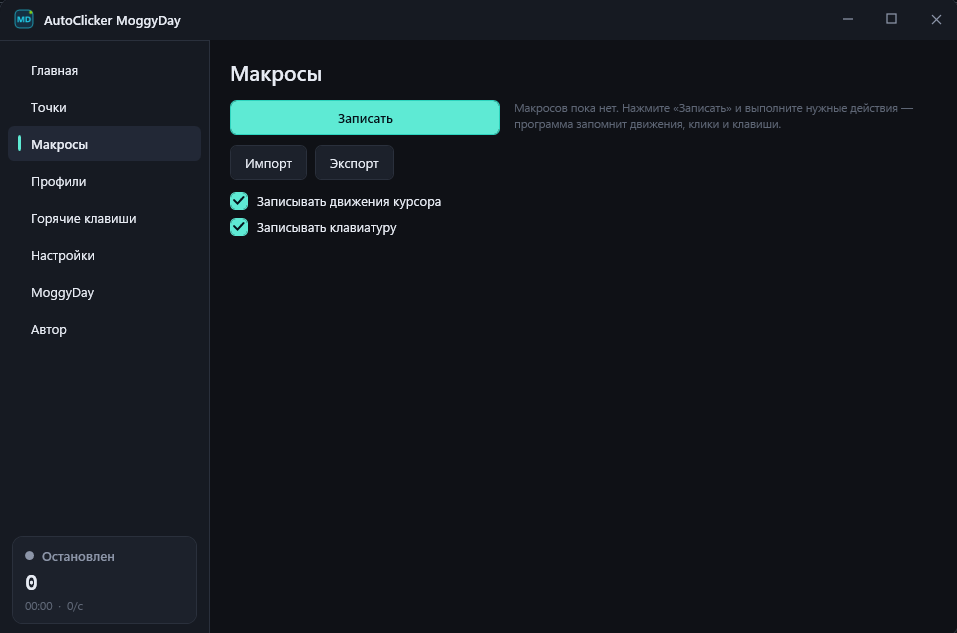
Macros
- Record movement, clicks, keys, and pauses
- Step editor, looping, speed 0.5x–5x
- Dedicated macro hotkeys (F9 play / F10 record)
Hotkeys
- Start/stop (F6), pause (F7), panic (F12)
- Option to not pass the hotkey into the game
- Global hooks — control while the window is minimized
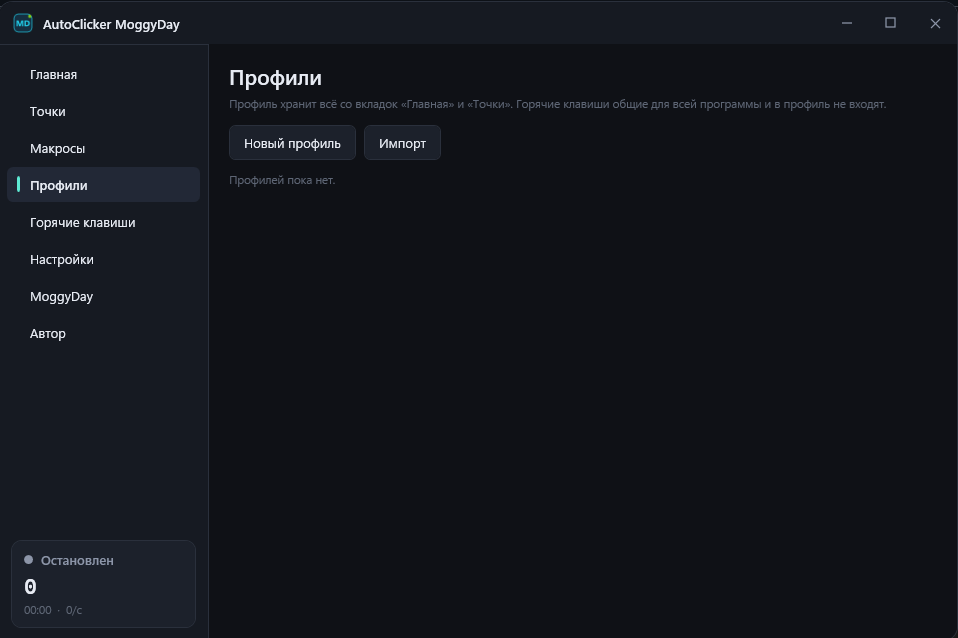
Profiles and data
- Multiple profiles, JSON export/import
- Falls back to
%APPDATA%\AutoClickerif the program folder is not writable - Logs in
data/logs/
Input modes
- SendInput — standard OS-level input
- PostMessage — input to a specific window (browsers and some 2D games)
- DPI-aware, multi-monitor
System requirements
- Windows 10 / 11 x64
- Standalone ~63 MB, no extra Runtime
- About 50–100 MB RAM while running
FAQ · free auto clicker download
Where do I download AutoClicker MoggyDay officially?
Do I need to install it?
No. Run the Standalone EXE. Use the Portable build from the site if .NET 8 Desktop Runtime is already installed.
Why does antivirus flag it?
Can I use it in online games?
Automation is often against the rules and can get you banned. Use at your own risk.
How do I emergency-stop?
F12 (panic), F7 (pause), tray stop, or the Stop button in the window.
Why is the file 63 MB?
Standalone embeds .NET 8 Desktop Runtime so the program opens immediately.
Is there Russian / Chinese UI?
Yes. Switch language without restarting.
Related MoggyDay pages
Keywords
auto clicker download · free auto clicker · windows auto clicker · mouse clicker · macro recorder · gaming auto clicker · idle game clicker · AutoClicker MoggyDay · TrainerHub MoggyDay · moggydaytrainer.com
How to install
Option 1: Standalone (recommended)
- Use the green download button on this page or grab the ZIP: .
- If you downloaded the ZIP — extract it anywhere except
Program Files. - Run
AutoClicker_MoggyDay_Standalone.exe. - No installer and no separate .NET Runtime.
Option 2: Portable (if .NET 8 is already installed)
- Download Portable from .
- Run it. If the Runtime is missing, Windows will offer .NET 8 Desktop.
First launch
- A
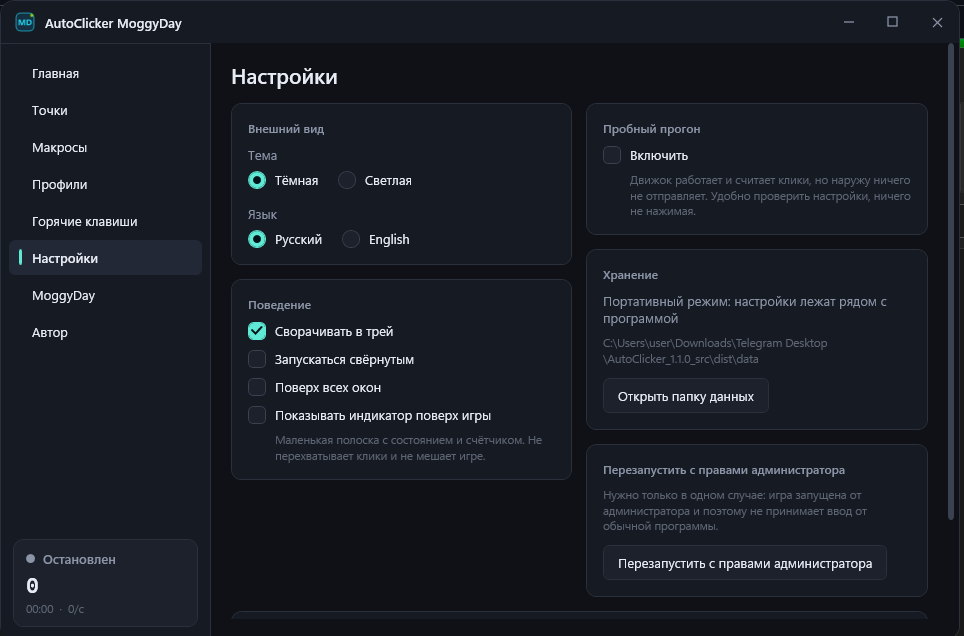
data/folder appears next to the exe (profiles and logs). - Theme and language can be changed without restart. EN / RU / CN are included.
- If the program folder is not writable, data goes to
%APPDATA%\AutoClicker.
Administrator rights
Normal use does not need admin. Run as administrator only if the target window is also elevated (UIPI). Settings has a restart-as-admin button.
How to use
Quick start
- Home → mode Follow cursor.
- Set interval (50–100 ms is a good start) and mouse button.
- F6 start/stop. F7 pause. F12 panic (stop everything).
Click points
- Points → add cursor position / F8.
- Hover and press the hotkey.
- Back to Home, press F6 — the clicker loops the list.
Macros
- Macros → record F10, perform actions, F10 again.
- Playback F9. Speed 0.5x–5x, looping optional.
- Export the macro file for backup.
Profiles and hotkeys
- Profiles — presets for different tasks.
- Hotkeys — remap F6/F7/F8/F9/F10/F12.
- Settings — SendInput / PostMessage, theme, language, tray.
| Key | Action |
|---|---|
F6 | Start / stop clicker |
F7 | Pause |
F8 | Capture point |
F9 | Play macro |
F10 | Record macro |
F12 | Panic stop |
Official files: moggydaytrainer.com · Telegram
Update history
Build log for this MoggyDay file: game patches, fixes and new options. The site and trainers are maintained continuously.
All updates →Screenshots