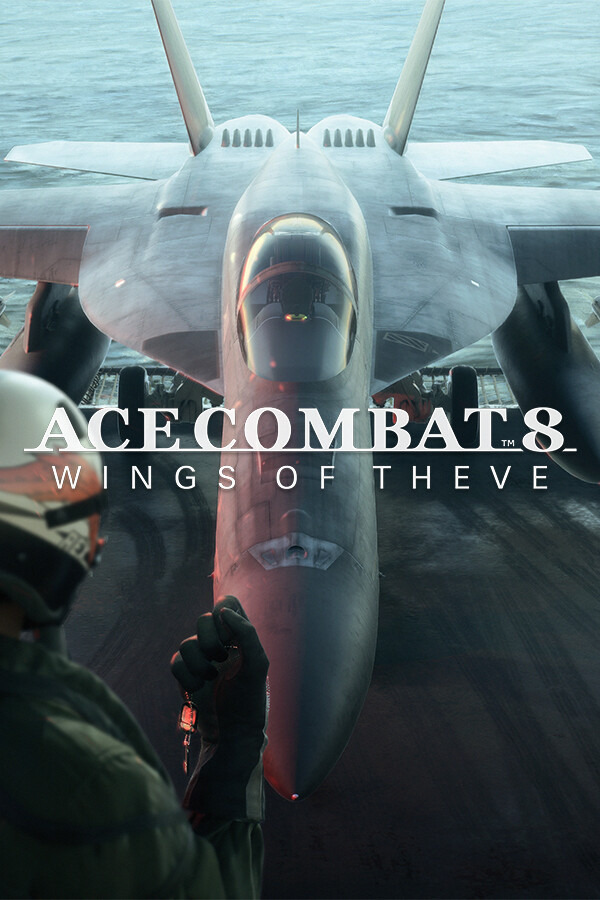
ACE COMBAT 8: WINGS OF THEVE
Official MoggyDay builds for “ACE COMBAT 8: WINGS OF THEVE”: downloads, versions and updates.
1Trainers
0News
+40cheats
261 318Views
↓65 320downloads
Files
Add
No files yet
Add a localization, mod, coop fix, or other file here — with a download link.
You’re already in the topic. After login the form stays on this page.
ACE COMBAT 8: WINGS OF THEVE trainer
MoggyDay trainer for ACE COMBAT 8: WINGS OF THEVE: 40 options.
Single-player only: plane HP, missiles, special weapon and afterburner.
Features (+40)
Plane
- Invincible Plane (
Num 1) - Infinite Missiles (
Num 2) - Infinite Special Weapon (
Num 3) - Infinite Gun Ammo (
Num 4) - Instant Reload (
Num 8) - Infinite Flares (
Num *) - No Missile Incoming (
Num +) - Infinite Repair (
Ctrl+Num 6) - Infinite CSM (
Ctrl+Num +) - Night Vision Always (
Alt+Num 1) - Edit Plane HP (
Alt+Num 9)
Flight
- Infinite Afterburner (
Num 5) - No Stall (
Num 6) - Super Speed (
Num 7) - No Fuel Use (
Ctrl+Num 7) - Flight Speed (
Ctrl+Num *) - No Damage From Terrain (
Alt+Num 5) - Instant Takeoff (
Alt+Num .)
Combat
- Lock Always Succeeds (
Num 9) - One Hit Kill (
Num 0) - Enemy AI Frozen (
Alt+Num 7) - Multi-lock Max (
Alt+Num 8)
Squad
- Wingmen Invincible (
Num .) - Wingman Ammo Infinite (
Alt+Num 0)
Economy
- Infinite Credits (
Num -) - Edit Credits (
Ctrl+Num 1) - Free Hangar Purchases (
Alt+Num 4)
Progress
- Unlock All Aircraft (
Ctrl+Num 2) - Unlock All Weapons (
Ctrl+Num 3) - Max Aircraft Level (
Ctrl+Num 5) - Instant Mission Complete (
Ctrl+Num 8) - Skip Checkpoint Fail (
Ctrl+Num 9) - Always Ace Rank (
Ctrl+Num 0) - Unlock All Skins (
Alt+Num 2) - Infinite Tree EXP (
Alt+Num 3)
Gear
- Unlock All Parts (
Ctrl+Num 4)
World
- Set Game Speed (
Ctrl+Num .) - Disable Cloud Cover Penalty (
Ctrl+Num -) - Infinite Time Limit (
Alt+Num 6)
Player
- No Eject Fail (
Alt+Num *)
Supported version
Steam, single-player. Not for multiplayer.
How to use
Open TrainerHub, select the game, and press Play. Currency and stacks apply when the inventory updates (pickup, drop, or move an item).