 MoggyDayTrainer
Macro Recorder MoggyDay v2.0.0 — macros · studio · Windows
Description
Download Macro Recorder MoggyDay v2.0.0 free
Macro Recorder MoggyDay is the official free Windows 10/11 macro recorder by TrainerHub MoggyDay: record and replay mouse & keyboard macros, visual studio, tagged library, playlist, scheduler, global hotkeys, UI EN / RU / CN.
This page serves the official Standalone EXE — no installer and no separate .NET Runtime. Portable mode stores data next to the app in data/.
- Official download: moggydaytrainer.com/en/f/macro-recorder-moggyday
- Telegram: t.me/TrainerHubMoggyDay
- Related tool: AutoClicker MoggyDay if you need a clicker, not a full macro recorder
Download the EXE → run MacroRecorder_MoggyDay_Standalone.exe → open Studio. Record F10, play F9, stop all F11, panic F12.What is Macro Recorder MoggyDay
A dedicated macro recorder for Windows: mouse moves, clicks, wheel, keyboard and pauses. Not “just an auto-clicker” — focus is the step studio, tagged library, playlist and interval scheduler.
It does not read game process memory or inject into processes. Input is delivered via the Windows API (SendInput / keyboard hooks) — the usual approach for a mouse keyboard recorder on Windows.
Useful for repetitive browser/office/app workflows and for games where automation is allowed.
Why download this macro recorder
- Studio with step editor, loops, speed and per-macro hotkeys
- Library with search, tags and descriptions
- Playlist queue with pauses and loop
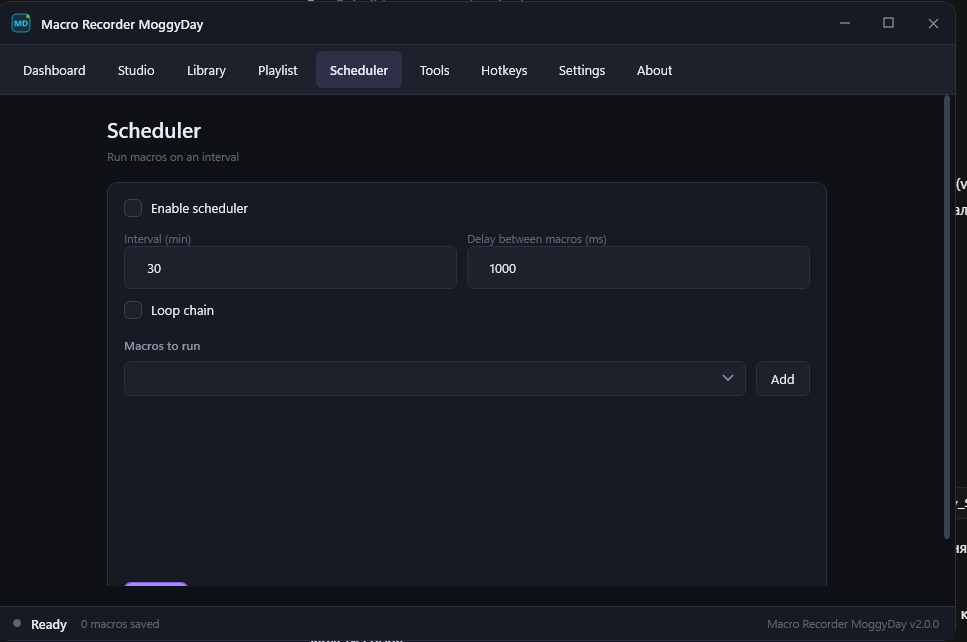
- Interval scheduler for unattended chains
- Batch export / import / merge of JSON macros
- Standalone ~63 MB (no .NET 8 install)
- UI EN / RU / CN
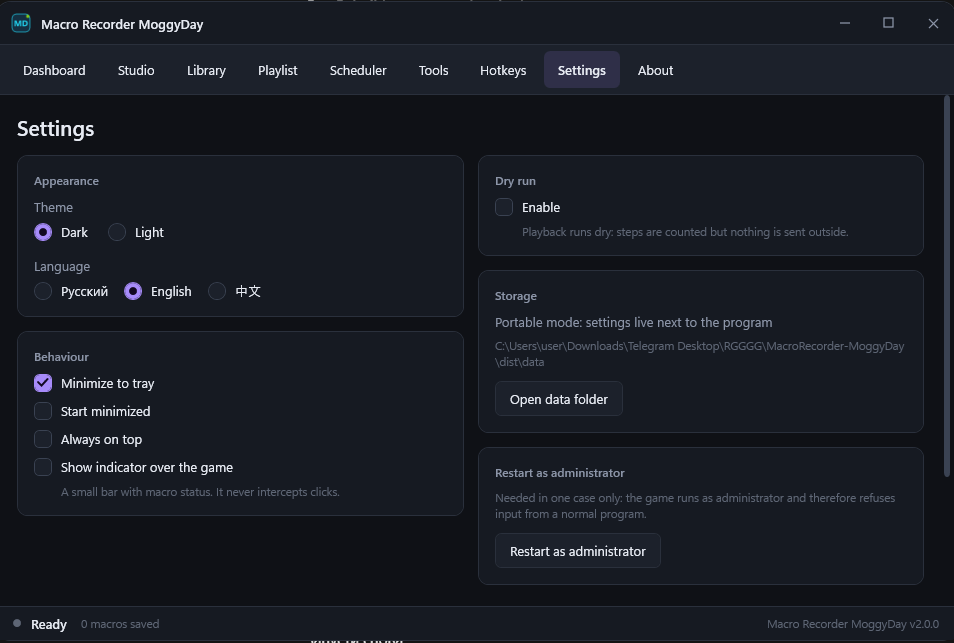
- Tray, status overlay, dry-run mode
- Hotkeys: record F10, play F9, stop all F11, panic F12
Features in v2.0.0
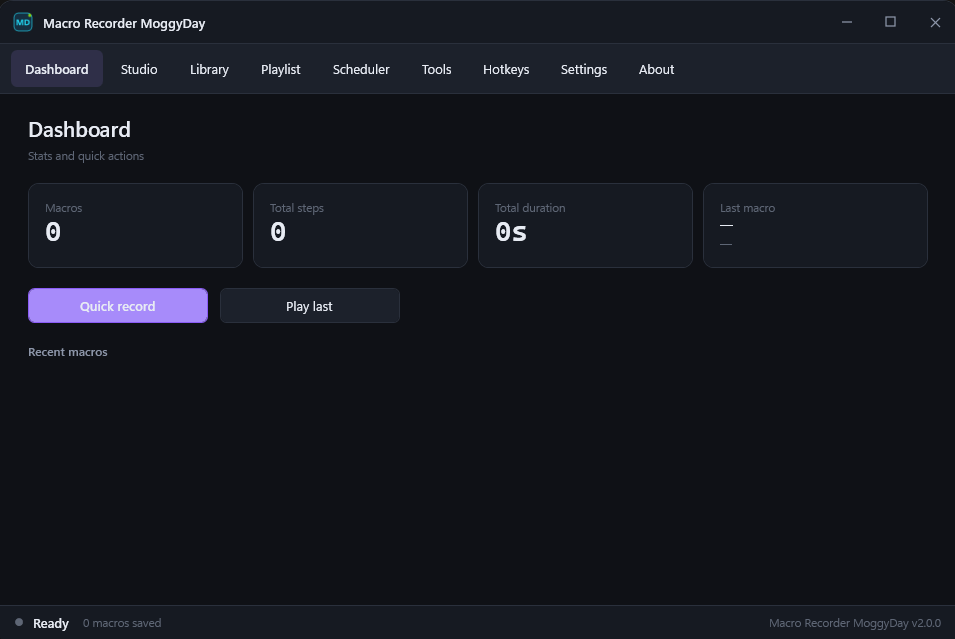
Dashboard — stats, quick record, play last, recent macros.
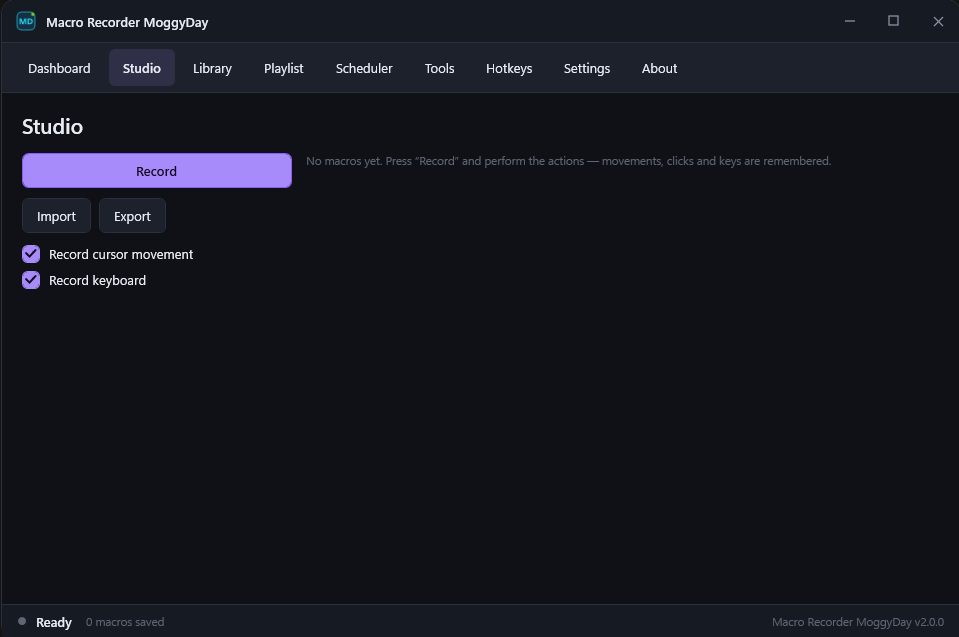
Studio — capture moves/clicks/wheel/keys; edit steps, pauses, loop, speed.
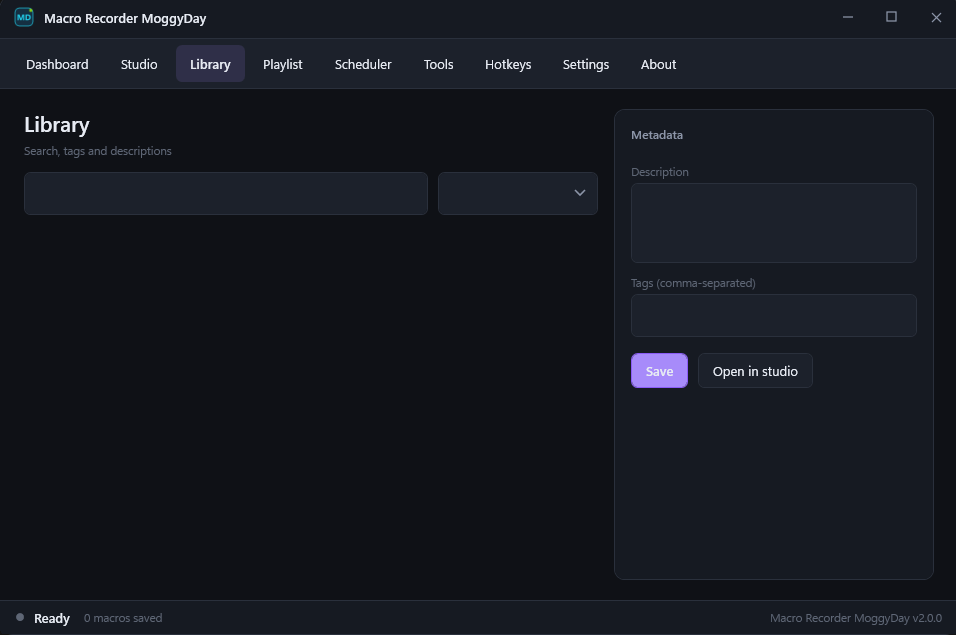
Library — organize macros with tags and descriptions.
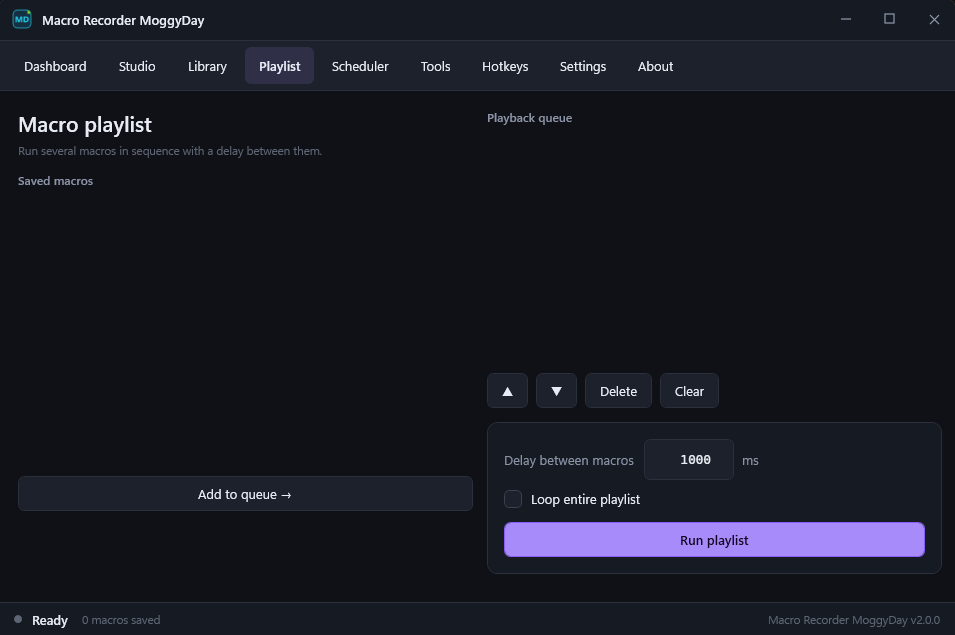
Playlist — chain macros with delays.
Scheduler — interval auto-start.
Tools / Hotkeys / Settings — export/import/merge, global keys, theme, language, optional admin restart.
Macro Recorder vs AutoClicker MoggyDay
Macro Recorder = record/edit full macros + playlist/scheduler.
AutoClicker = click points / tempo-first tool. Pick the product that matches your workflow.
Requirements
- Windows 10 / 11 x64
- Standalone EXE ≈ 63 MB
- ~50–100 MB RAM while running
- No install · offline capable
FAQ
Official download? Only moggydaytrainer.com and Telegram @TrainerHubMoggyDay.
Install / .NET needed? No.
Antivirus flags? Common false positives for hooks/SendInput — verify the checksum on the download page.
Online games? Often against ToS — use only where allowed, at your own risk.
Where are macros stored? In data/ next to the EXE.
Keywords: macro recorder, download macro recorder, mouse keyboard recorder, windows macro, macro playlist, macro scheduler, Macro Recorder MoggyDay, TrainerHub MoggyDay, free macro recorder.
Official page: Download Macro Recorder MoggyDay v2.0.0
How to install
- Click the download button on this page and save
MacroRecorder_MoggyDay_Standalone.exe. - Run the EXE (no installer). If Windows SmartScreen warns you, choose More info → Run anyway when the file came from the official site.
- Open the Studio tab.
- Press Record or F10, perform the actions, then stop recording.
- Edit steps if needed: pauses, order, loop, playback speed.
- Play with F9. Stop all with F11. Panic stop with F12.
- Save to Library. Optionally build a Playlist or enable the Scheduler.
- Language: Settings → English / Русский / 中文.
- If the target app runs as Administrator, use “Restart as administrator” in Settings.
Macros and settings live in data/ next to the EXE (portable).
Official: moggydaytrainer.com · Telegram t.me/TrainerHubMoggyDay
Update history
Build log for this MoggyDay file: game patches, fixes and new options. The site and trainers are maintained continuously.
- 2026-08-25 Macro Recorder MoggyDay v2.0.0 — release v2.0.0Full macro recorder: step studio, library, playlist and scheduler. Standalone EXE, UI EN / RU / CN. Macro Recorder MoggyDay v2.0.0 — release Site date:…
- 2026-08-25 Macro Recorder MoggyDay v1.0.0 — release v2.0.0First public Macro Recorder: mouse/keyboard record & replay, UI EN/RU/CN. Current line is v2.0.0. Macro Recorder MoggyDay v1.0.0 — release Early line with…
Screenshots